
Company administrator
Controls organisation setup, user access, payroll configuration and oversight of the audit trail.
Platform overview
Kaicol Payroll is the secure operating layer behind the company story: a dedicated workspace for records, roles, approvals, payslips and reporting.
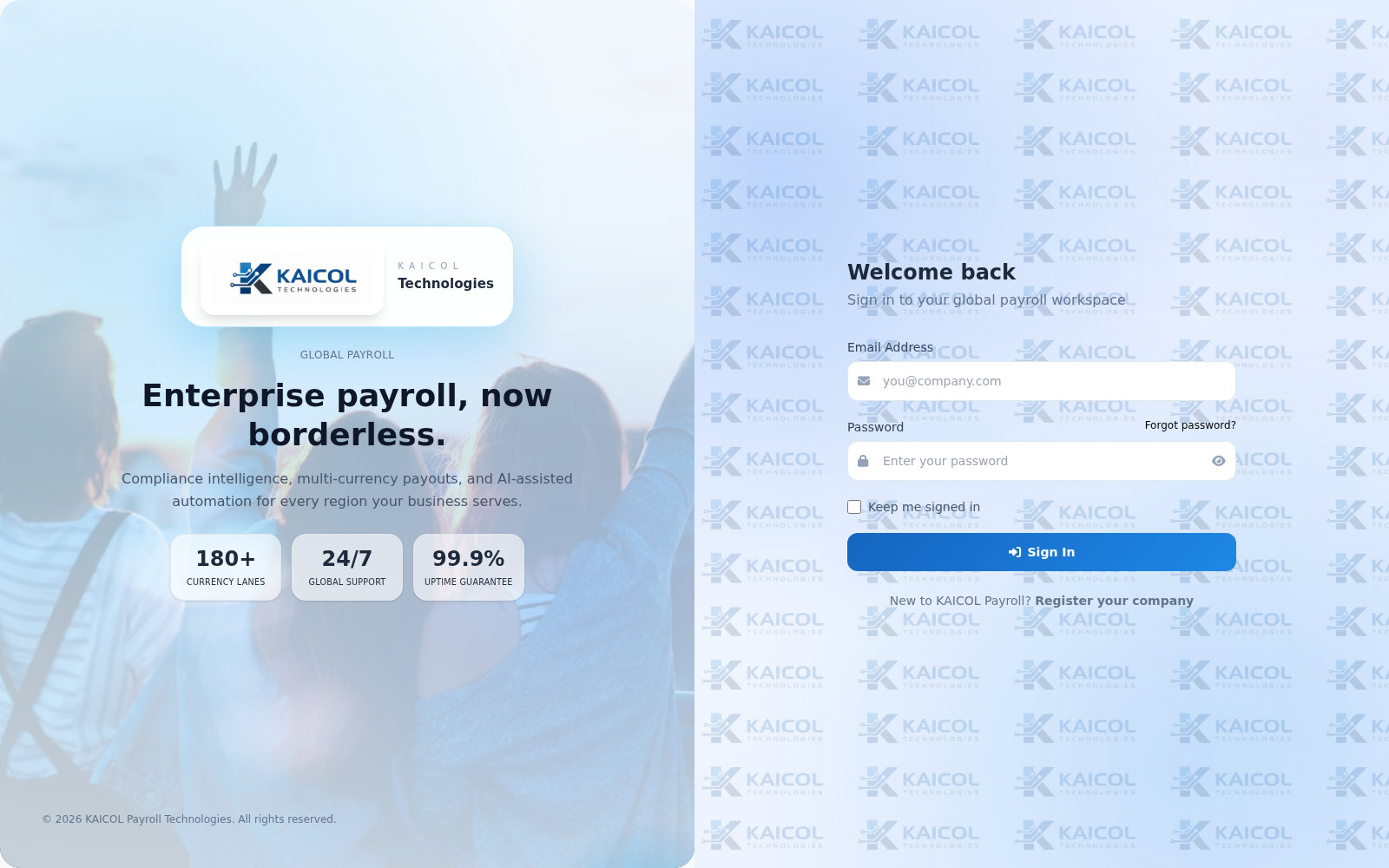
Branded sign-in point for the live payroll system.
Dedicated workspace
The redesigned site no longer feels disconnected from the product. It uses the live payroll environment as proof while keeping the secure app separate from marketing pages.
Role awareness
Kaicol systems are designed around responsibility. Access, approvals and reporting views should match actual duties, not just job titles copied into software.
Controls organisation setup, user access, payroll configuration and oversight of the audit trail.
Maintains employee records, supporting documents and people operations without inheriting unrelated authority.
Prepares runs, resolves exceptions and advances payroll through clear review and approval stages.
Access focused self-service information and payroll outputs through a simpler, narrower interface.
Workflow structure
The point of the platform is to make accountability legible at every stage of the payroll cycle.
Define the period, workforce scope and the right source records before running calculations.
Apply configured earnings and deductions consistently across the payroll run.
Catch exceptions early and route them to the right decision-maker before approval.
Complete the cycle with payslips, summaries and preserved operational history.
Need a closer view?
Bring a sample payroll cycle, current roles and approval path. The demo becomes more useful when it starts from the way your organisation actually works.